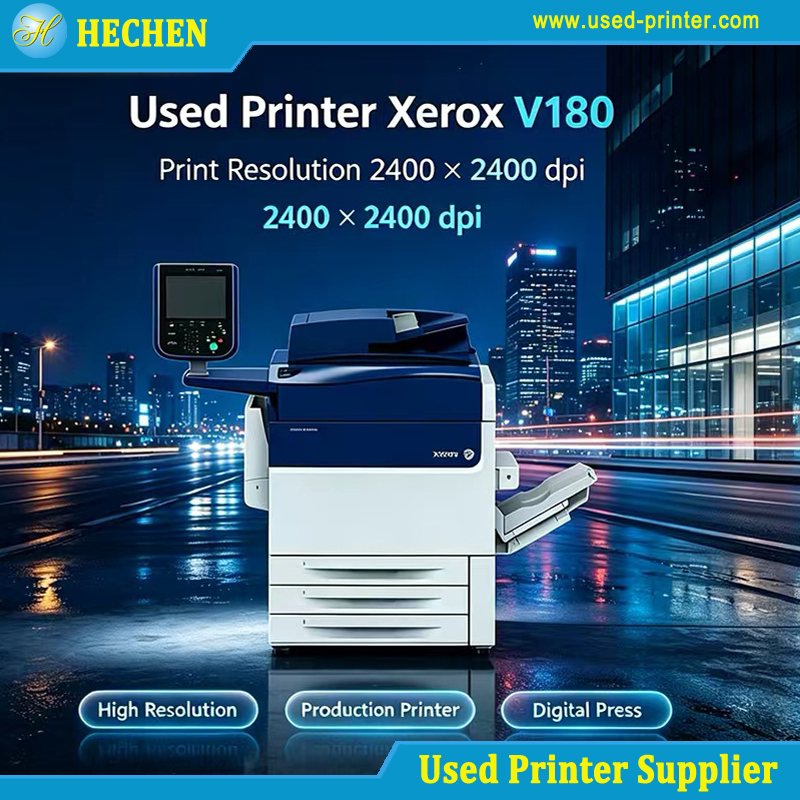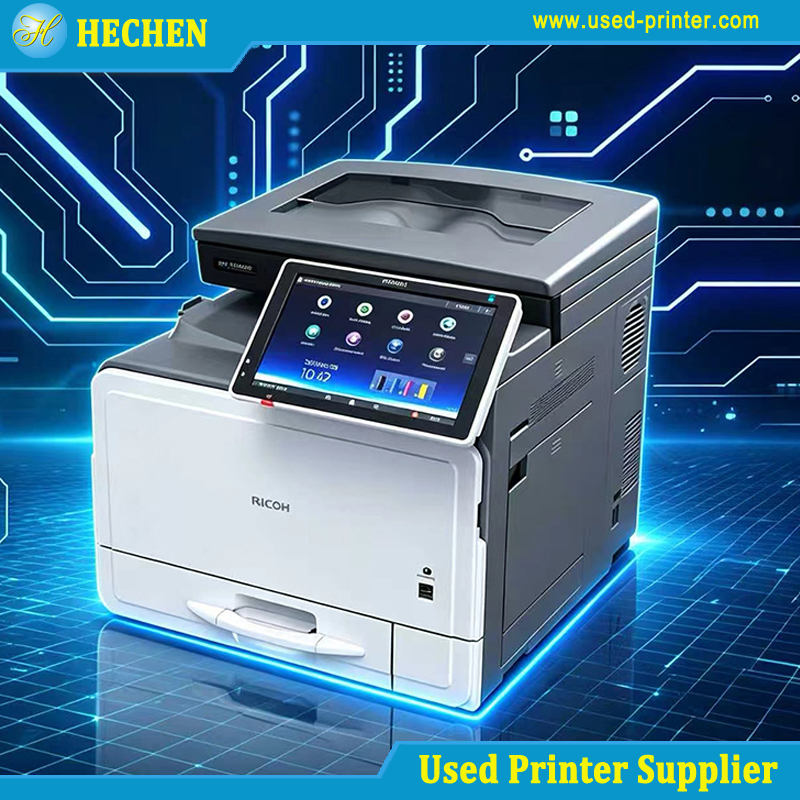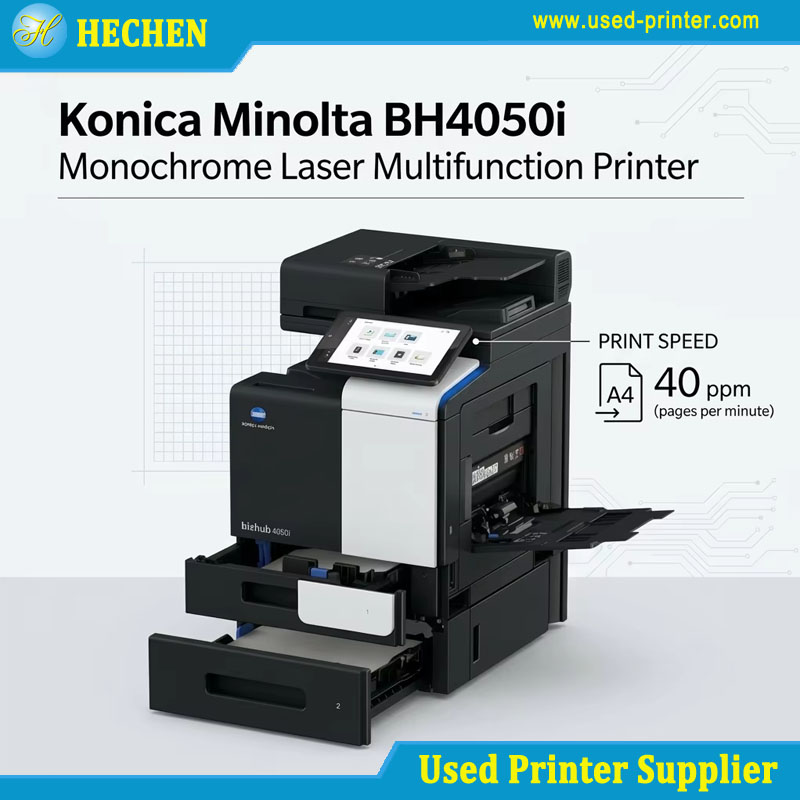
Buying a printer does not always mean purchasing a brand-new machine. For businesses, schools, offices, print shops, and home users with limited budgets, a used printer can provide reliable printing performance at a significantly lower purchase price.
However, buying second-hand equipment requires more than simply comparing prices. A low-cost machine may have a high page count, worn consumables, outdated connectivity, or expensive replacement parts. Understanding the printer's condition, technology, maintenance history, and total cost of ownership is essential before making a purchase.
This guide explains what to look for when buying a used printer, how to distinguish refurbished equipment from ordinary second-hand machines, which technologies generally hold up better, and how to inspect a printer before purchasing it.
Why Consider a Used Printer?
The biggest reason to consider a used printer is cost. Depending on the model, age, configuration, and condition, a pre-owned machine can cost substantially less than a comparable new printer.
For businesses purchasing multiple machines, the savings can become particularly significant.
Advantages of Buying a Used Printer
1. Lower Initial Investment
The purchase price is usually the most obvious advantage. A used commercial printer can provide capabilities that would otherwise require a much larger investment when buying new equipment.
For example, businesses may be able to purchase a higher-end laser printer, multifunction printer, or production printer within the same budget that would only buy an entry-level new model.
2. Access to Commercial-Grade Equipment
Some professional printers are designed for high-volume workloads and long operating lifetimes. Buying used equipment can make these machines more accessible to small businesses and organizations.
3. Better Value for High-Volume Printing
If printing volume is high, purchasing a durable pre-owned printer may provide better value than repeatedly replacing inexpensive consumer models.
4. Availability of Established Models
Older printer models may have extensive service documentation, widely available replacement parts, and experienced technicians. This can be an advantage compared with purchasing a new but poorly supported model.
Potential Disadvantages
A second hand printer also carries risks.
Common problems include:
High print-page counts
Worn rollers and gears
Clogged inkjet printheads
Fuser wear in laser printers
Paper-feed problems
Damaged imaging components
Outdated drivers
Limited wireless connectivity
Expensive replacement consumables
Lack of warranty
The purchase price should therefore never be the only factor.
Calculate Total Cost of Ownership
When comparing cheap used printers, calculate:
Total Cost = Purchase Price + Shipping + Consumables + Replacement Parts + Maintenance
A printer costing $150 may be a better deal than a $100 printer if the first machine has lower operating costs and better mechanical condition.
Used vs. Refurbished: Understanding the Critical Differences
One of the most important distinctions when purchasing a pre-owned printer is the difference between used and refurbished equipment.
A used printer is generally sold in its existing condition. The seller may test basic functions, but there is no universal standard for what "used" means.
A refurbished printer normally undergoes some form of inspection, cleaning, testing, repair, or component replacement before resale.
However, refurbishment standards vary between suppliers.
What Should a Refurbished Printer Include?
A professional refurbishment process may involve:
Exterior cleaning
Internal dust removal
Mechanical inspection
Paper-feed testing
Print-quality testing
Replacement of worn components
Firmware or driver verification
Network and USB testing
Consumable inspection
Final quality-control testing
When evaluating refurbished or pre-owned printers, ask the supplier exactly what refurbishment work has been completed.
Ask About the Printer's History
A reliable seller should ideally be able to provide information such as:
Manufacturing date
Model number
Serial number
Previous usage
Estimated page count
Maintenance history
Previous repairs
Current consumable condition
Error history
Warranty terms
For commercial buyers, documentation can be just as important as the physical condition of the machine.
Inkjet vs. Laser: Which Second-Hand Tech Holds Up Better?
The choice between inkjet and laser technology depends heavily on the intended application.
Used Inkjet Printers
Inkjet printers are popular for:
Home printing
Photo printing
Small offices
Color documents
Graphics
Their biggest second-hand risk is often the printhead.
If an inkjet printer has been unused for a long period, ink can dry inside the printhead or ink delivery system. This can produce:
Missing lines
Banding
Incorrect colors
Poor nozzle performance
Uneven print density
Before purchasing a used inkjet printer, request a nozzle check or sample print.
Used Laser Printers
Laser printers generally use toner rather than liquid ink and are often better suited to high-volume office printing.
Key components include:
Toner cartridge
Drum or imaging unit
Fuser
Transfer roller or belt
Pickup rollers
Separation pads
A laser printer can continue operating reliably after substantial usage if critical components remain within acceptable wear limits.
For businesses printing thousands of pages per month, a used laser printer may therefore offer an attractive combination of durability, speed, and operating efficiency.
Which One Should You Choose?
Choose inkjet when color quality, photo printing, or low-volume printing is the priority.
Choose laser when speed, document volume, text quality, and long-term office productivity are more important.
The Pre-Purchase Inspection Checklist
Inspection is the most important stage when buying a used printer.
1. Check the Exterior
Look for:
Cracks
Broken hinges
Missing covers
Damaged trays
Loose panels
Signs of liquid damage
Excessive dust
Corrosion
Heavy external damage may indicate that the printer has been poorly handled.
2. Check the Page Count
Many business printers provide total page-count information through their control panel or configuration report.
Page count does not automatically determine printer quality, but it provides useful information about previous usage.
A high page count should lead to additional questions about maintenance and replacement parts.
3. Perform a Test Print
Never purchase a used printer without testing print output when possible.
Check for:
Horizontal lines
Vertical lines
Repeated marks
Ghosting
Banding
Uneven density
Missing colors
Smudging
Misalignment
For color printers, print a test page containing black, cyan, magenta, and yellow areas.
4. Test Paper Feeding
Run several sheets through different paper trays.
Listen for unusual sounds and watch for:
Paper jams
Double feeding
Skewed paper
Slow pickup
Roller slipping
Paper-feed problems can indicate worn rollers or separation components.
5. Check Connectivity
Confirm that the printer supports the connection method you need:
USB
Ethernet
Wi-Fi
Wi-Fi Direct
Mobile printing
Network printing
Older printers may have limited compatibility with modern operating systems.
6. Check Consumables
Ask how much life remains in:
Toner
Ink cartridges
Drum
Fuser
Imaging unit
Maintenance kit
A cheap printer requiring a complete set of expensive consumables immediately after purchase may not actually be cheap.
7. Check Error Messages
Review the printer's display and diagnostic information.
Persistent service errors, fuser errors, paper-feed errors, or imaging warnings should be investigated before purchase.
Top Used Printer Models Worth Your Money
The best used printer is not necessarily the newest or cheapest model. Reliability, availability of parts, operating cost, and serviceability are often more important.
For office and business applications, established models from major manufacturers are frequently attractive in the second-hand market.
Examples of product families worth researching include:
HP LaserJet business printers
Canon imageCLASS series
Brother business laser printers
Xerox VersaLink and WorkCentre series
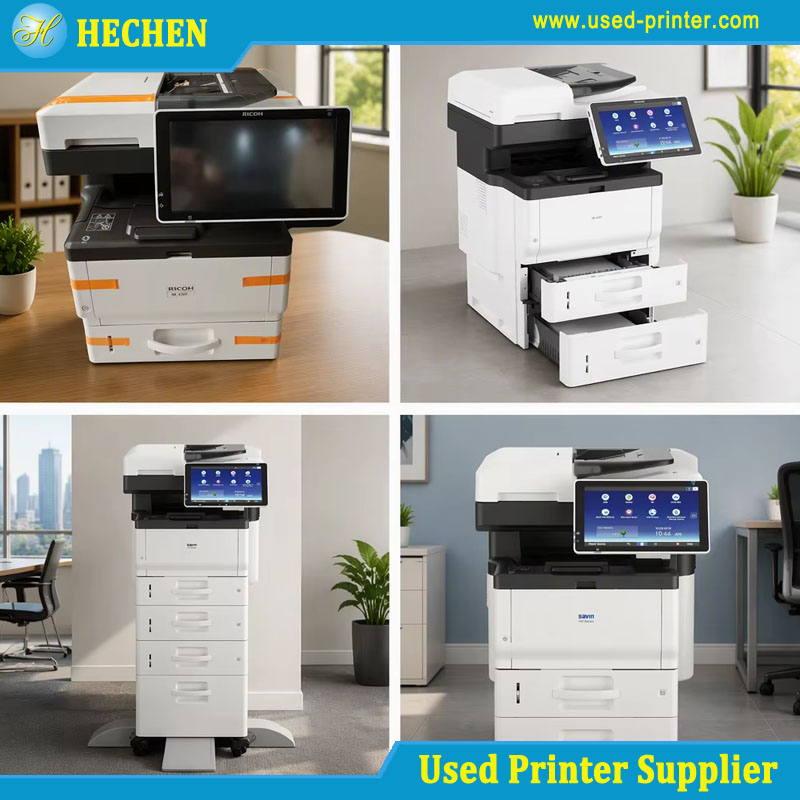
Ricoh multifunction printers
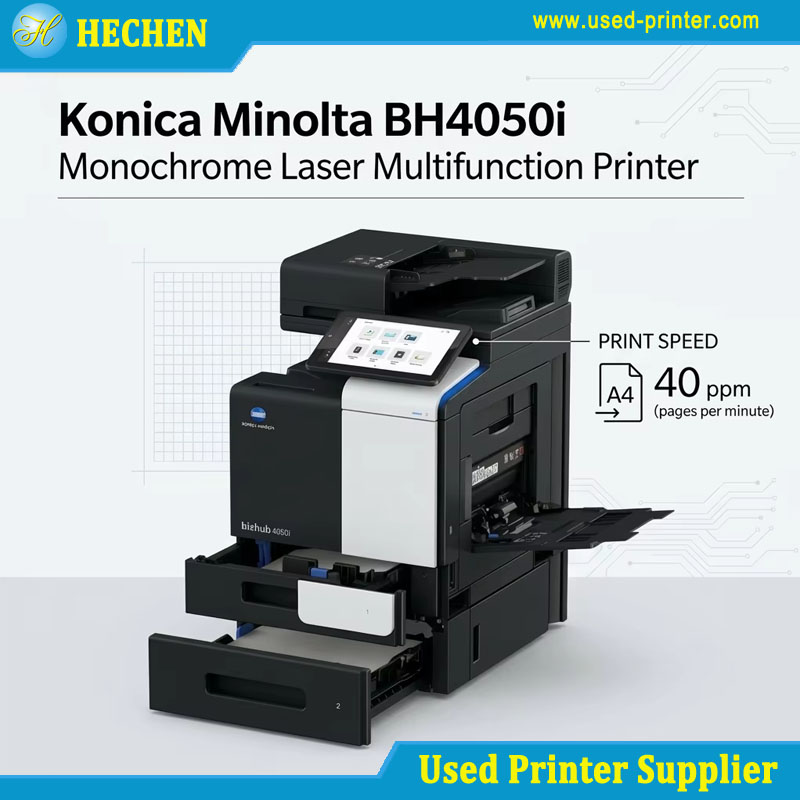
Konica Minolta bizhub series
Kyocera ECOSYS and TASKalfa series
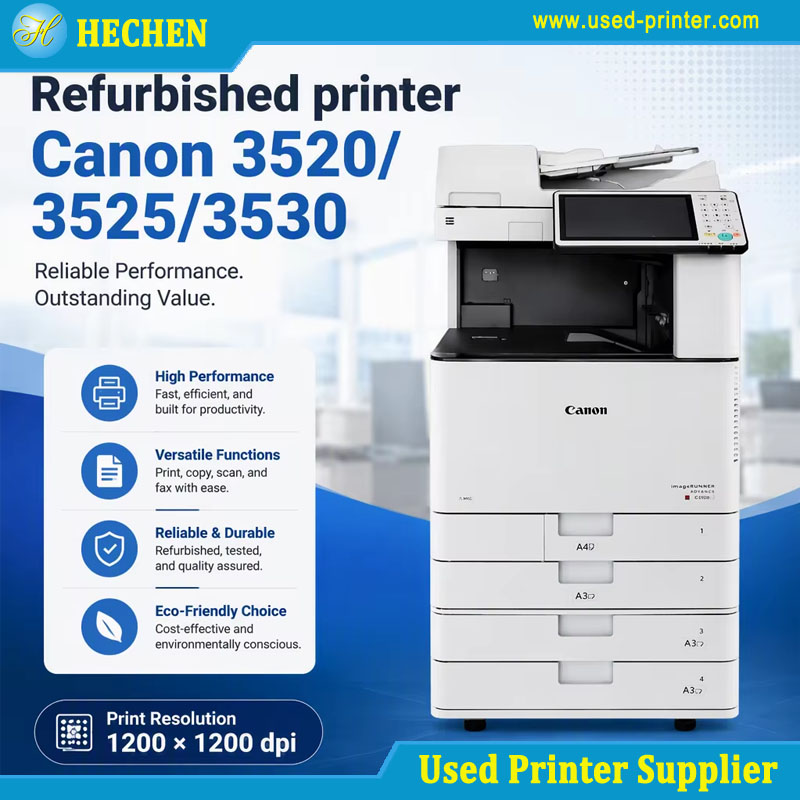
For higher-volume environments, commercial multifunction printers can provide printing, copying, scanning, duplexing, and network-management functions in one system.
When selecting a model, compare its recommended monthly duty cycle, print speed, toner yield, maximum paper capacity, connectivity, service requirements, and availability of replacement parts.
Model availability varies significantly by country and region, so buyers should verify local support before purchasing.
Where to Find Reliable Used Printers
The supplier is one of the most important factors in the second-hand printer market.
You can generally find used printers through:
Specialized Used Equipment Dealers
Professional dealers often have more knowledge about printer testing, parts replacement, logistics, and maintenance.
This can reduce the risks associated with buying directly from an unknown individual seller.
Refurbishment Companies
Refurbishment specialists may offer tested machines with replacement parts and limited warranties.
Ask for details of their refurbishment procedure rather than relying only on the word "refurbished."
Business Equipment Liquidation
Companies sometimes sell printers when upgrading office equipment or closing facilities. These machines can be attractive because they may have complete service records.
Online Marketplaces
Online marketplaces can offer competitive prices and a large selection of second-hand equipment.
However, buyers should carefully examine:
Seller ratings
Product descriptions
Actual machine photos
Return policies
Warranty conditions
Shipping costs
Serial-number information
Buying Used Printers in Bulk
For distributors, resellers, and exporters, purchasing used printers in bulk can reduce the average acquisition cost.
However, bulk buyers should request a detailed inventory list including:
Exact models
Quantities
Page counts
Functional status
Cosmetic grades
Accessories
Consumables
Testing procedures
Packaging method
A professional used printer supplier should be able to provide clear grading standards and equipment specifications.
Post-Purchase Setup & Troubleshooting
After purchasing a pre-owned printer, perform a complete inspection before placing it into regular service.
Step 1: Clean the Printer
Remove dust and packaging materials. Clean accessible paper paths and exterior surfaces according to the manufacturer's recommendations.
Avoid using excessive liquid around electronic components.
Step 2: Install the Correct Driver
Download the appropriate driver for your operating system whenever possible.
For network printers, verify:
IP address
Network connection
Printer port
Driver configuration
Print permissions
Step 3: Replace Consumables When Necessary
Do not automatically replace every consumable. First determine its remaining life.
If print quality is poor, identify the actual cause before replacing expensive components.
Step 4: Perform Calibration
Color laser and inkjet printers may require calibration or printhead alignment after installation.
This is particularly important when accurate color reproduction is required.
Common Problems
Paper jams: Check pickup rollers, separation pads, paper guides, and paper condition.
Poor print quality: Inspect toner, ink, drum, fuser, printhead, and imaging components.
Wireless connection problems: Reconfigure Wi-Fi and verify network compatibility.
Driver errors: Install a current compatible driver or use a manufacturer-supported universal driver when available.
Slow printing: Check print-resolution settings, network speed, processing requirements, and duplex configuration.
Frequently Asked Questions
Is buying a used printer a good idea?
Yes, provided that the machine is properly inspected and the total operating cost is acceptable. A well-maintained used printer can provide excellent value for businesses and home users.
What should I check before buying a used printer?
Check the page count, print quality, paper feeding, physical condition, error messages, consumables, connectivity, maintenance history, and availability of replacement parts.
Are refurbished printers better than used printers?
Not necessarily, but a professionally refurbished printer generally provides more information about its inspection and repair history. Always ask what refurbishment work was performed.
Are cheap used printers worth buying?
They can be, but the lowest purchase price does not necessarily represent the lowest total cost. Expensive toner, damaged components, or obsolete drivers can make a cheap machine expensive to operate.
Is a second hand printer suitable for business use?
Yes. Many commercial laser and multifunction printers are designed for long service lives and can remain productive after being sold as second-hand equipment.
How important is printer page count?
Page count is an important indicator of usage, but it should not be considered independently. Maintenance history, operating environment, component condition, and print quality are equally important.
Should I buy a used inkjet or laser printer?
For high-volume document printing, laser technology is generally a strong second-hand option. For photo and specialized color printing, inkjet may be more suitable.
Can I buy used printers in bulk?
Yes. Bulk purchasing can be attractive for dealers, exporters, distributors, and businesses managing multiple locations. Buyers should request a detailed inventory, grading standard, functional test report, and packing specifications before placing a large order.
Final Thoughts: How to Buy a Used Printer Without Unnecessary Risk
A used printer can be an excellent way to reduce equipment costs without sacrificing essential printing performance. However, successful purchasing depends on evaluating the machine as a complete system rather than focusing only on its selling price.
Before buying a used printer, compare the purchase price with expected consumable costs, remaining component life, maintenance requirements, connectivity, availability of spare parts, and supplier support.
Whether you need a single second hand printer for an office or a large quantity of pre-owned printers for resale, a structured inspection process can significantly reduce purchasing risks.
For businesses looking for reliable equipment at competitive prices, working with an experienced used printer supplier can also provide access to tested inventory, technical information, bulk purchasing options, and customized sourcing solutions.
Recommend related products: