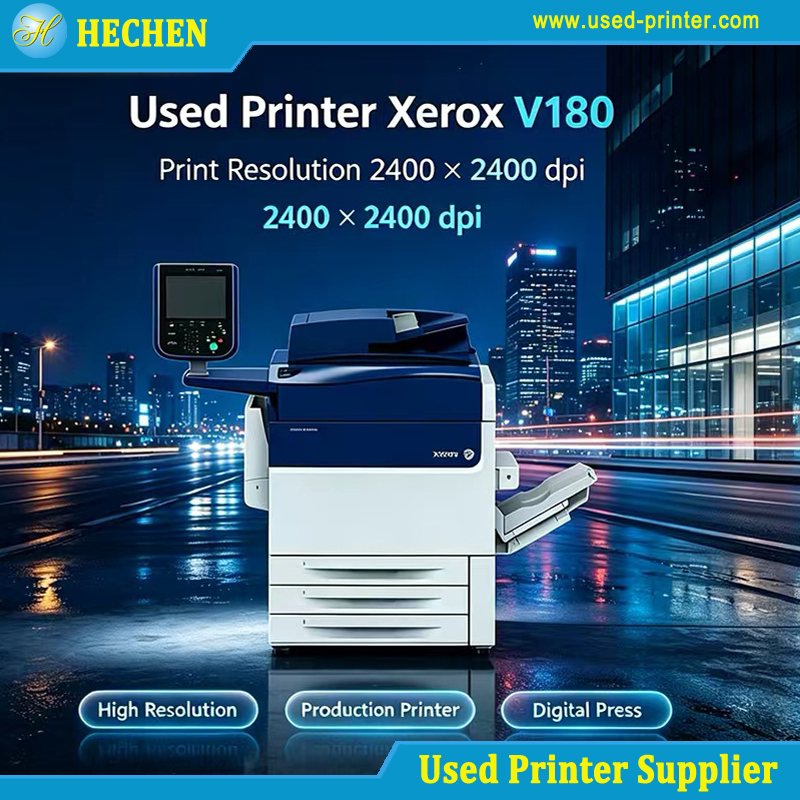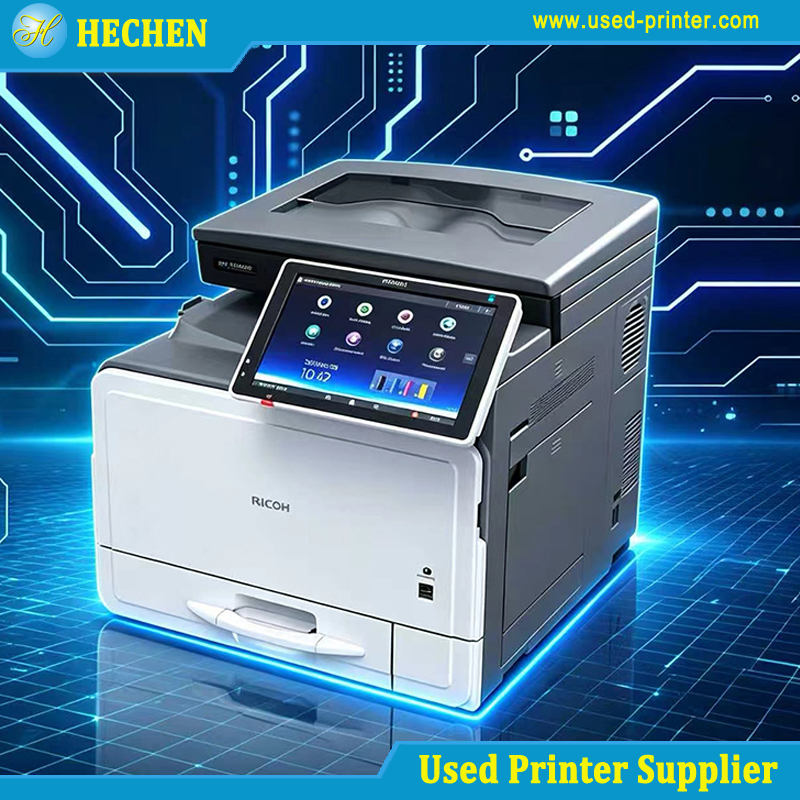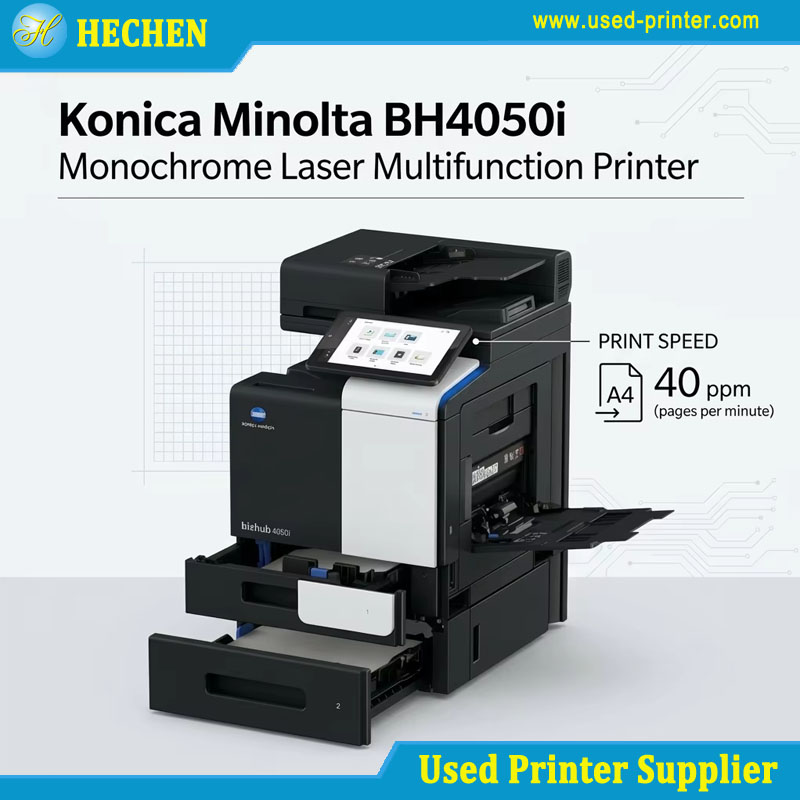
A used printer is sold as-is with no restoration or warranty, while a refurbished printer has been professionally inspected, repaired, cleaned, and tested—often with a warranty comparable to new units. If budget permits, refurbished is almost always the safer investment; used makes sense only for very low-volume, non-critical printing where you can test before buying.
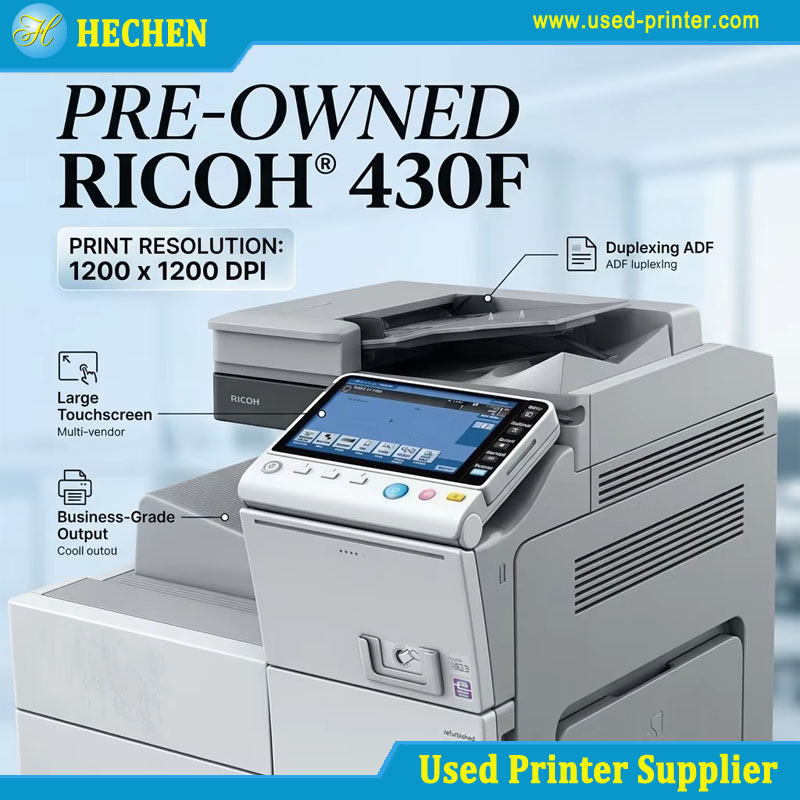
At a Glance: Used vs. Refurbished Feature Breakdown
| Feature | Used Printer | Refurbished Printer |
|---|---|---|
| Condition | As-is, unknown wear | Restored to like-new specifications |
| Testing | None guaranteed | Rigorous multi-point inspection |
| Parts | Original, potentially worn | Worn components replaced |
| Warranty | Typically none | 90 days to 2 years (varies by seller) |
| Price | Lowest upfront | 20-60% less than new |
| Support | None | Varies; certified programs offer full support |
| Best For | Occasional home use, tight budgets | Business use, reliability-critical environments |
What Is a Used Printer?
A used printer—sometimes called a second-hand or pre-owned printer—is exactly what the name suggests: a machine that has been owned and operated by someone else, then resold in its current condition. No professional intervention has occurred. No technician has diagnosed it. No worn parts have been replaced.
The critical distinction is the “as-is” nature of the transaction. When you buy a used printer from a private seller on a marketplace or through a local auction, you are buying the machine exactly as it sits. If it prints a clean test page today, that is fortunate. If a fuser or feed roller fails next month, that is your problem.
This is not to say used printers are inherently defective. Many are functional machines that simply outlived their original owner‘s needs. But the risks are real and often invisible. Internal components like fusers, gears, feed rollers, and laser units may have accumulated thousands of pages of wear that no external inspection can reveal. A printer that looks pristine on the outside can harbor a drum unit approaching end-of-life or a printhead clogged from months of disuse.
The used market encompasses a wide spectrum. On one end are local sellers who allow you to run a test print before purchase—these transactions carry lower risk. On the other end are online auctions and marketplace listings where you buy sight unseen, often with no return option. The latter is where used printers become genuine gambles.
What Is a Refurbished Printer?
A refurbished printer is a device that has undergone a professional restoration process to return it to like-new working condition. The term carries specific meaning: the machine has been inspected, cleaned, repaired where necessary, and tested before resale.
The sources of refurbished printers vary. Many originate as customer returns, warranty replacements, lease-end equipment, or floor models that were never actually used. Brother, for example, sources refurbished units from customer returns and cancelled orders, as well as fully functional devices that left a partner warehouse and can no longer be sold as new. The common thread is that these machines enter a structured refurbishment pipeline rather than being dumped onto the secondary market as-is.
What does certified refurbished printer meaning actually entail? At its core, certification indicates that the manufacturer or an authorized partner has performed the refurbishment according to defined quality standards. Brother’s Certified Refurbished program, for instance, requires that each device be “thoroughly cleaned, inspected” and meet “the same functional and comprehensive testing standards as our new products”. Canon’s CU (Certified Used) range follows similar protocols, with devices cleaned, repaired, and tested at local facilities that meet Canon’s European quality criteria.
The refurbishment process itself is comprehensive. A typical workflow includes sourcing low-mileage machines from reliable suppliers, full diagnostic inspection, complete disassembly for cleaning, replacement of worn components (feed rollers, fusers, separation pads), firmware updates, and extended operational testing. Epson’s Certified ReNew program sources replacement parts directly from the same factories that build new products, ensuring genuine components. Konica Minolta goes further by wiping all digital traces of previous use in compliance with data protection regulations before updating firmware.
Detailed Comparison Matrix
Reliability and Performance
Used: Reliability is entirely dependent on the specific machine‘s history, which is usually unknown. A used printer may have been maintained meticulously in a low-volume office, or it may have been pushed to its monthly duty cycle limit in a high-traffic environment. Without service records, you cannot know. Common failure points include worn pickup rollers (causing paper jams), depleted drum units (causing streaks or faded output), and clogged printheads in inkjet models (causing missing colors or lines).
Refurbished: Reliability is the primary value proposition. Because worn components are proactively replaced during refurbishment, the machine’s most failure-prone parts are often newer than the chassis itself. This matters particularly in the 12-to-24-month window after purchase, when original components on a used machine would likely begin failing. A refurbished printer from a reputable program should perform indistinguishably from a new unit for typical office workloads.
Print Quality and Aesthetics
Used: You accept whatever condition the consumables and imaging components are in. A used laser printer with a tired drum will produce pages with vertical streaks or uneven density. A used inkjet that sat unused for months may have permanently clogged nozzles requiring expensive printhead replacement. Cosmetically, used machines may show scratches, scuffs, or yellowing that do not affect function but signal age.
Refurbished: Print quality is verified during testing. Worn imaging components are replaced, and output is checked against specifications. Cosmetically, refurbished units may have minor blemishes—Brother notes that “slight blemishes are possible” but devices are “free of major physical damage”. The functional experience, however, should match a new printer.
Warranty and Support
Used: Warranty coverage is essentially nonexistent in private transactions. The sale is final, and the buyer assumes all risk. Some dealers may offer a short return window (7-30 days), but this is the exception, not the norm.
Refurbished: Warranty coverage varies significantly by seller but is typically substantial. Manufacturer-certified programs offer the strongest protection. Brother’s Certified Refurbished printers carry the same limited warranty as new products—often one to two years depending on the model. Epson’s Certified ReNew products come with a full warranty, and Brother Japan offers extended warranty eligibility at no additional cost for registered products. Third-party refurbishers may offer 90-day to one-year warranties. The key is to verify warranty terms before purchase, not after.
Total Cost of Ownership
Used: The lowest upfront price is deceptive. A $75 used laser printer that needs a $150 fuser unit and $80 worth of toner within six months has a first-year cost exceeding that of a $200 refurbished unit with a warranty. The used route only makes economic sense if the machine functions reliably for the period you need it—and you have no guarantee of that.
Refurbished: Higher upfront cost (typically 20-60% less than new) but far more predictable ownership economics. With new wear parts installed and warranty coverage active, the risk of unexpected repair costs is dramatically reduced. For business users, the downtime avoidance alone often justifies the premium over used.
Environmental Impact
Both options divert functional electronics from landfills. However, refurbished machines have a stronger environmental case because professional restoration extends operational life significantly. Konica Minolta estimates that refurbishing and reusing a printer saves at least 70% of the greenhouse gas emissions compared to manufacturing and purchasing a new device. A cheap used printer that fails in three months and is discarded provides minimal environmental benefit compared to a refurbished unit that serves reliably for years.
Which Option Should You Choose?
Choose a used printer if: Your printing volume is extremely low (a few pages per month), the use case is non-critical (printing a boarding pass, a school form), you can physically inspect and test the machine before paying, and you are comfortable treating the purchase as disposable. A used printer can be a rational choice for a student or casual home user who understands the risks.
Choose a refurbished printer if: You need reliability, you are buying for a business or home office where downtime has real costs, you want warranty protection, or you simply prefer not to gamble. The refurbished market has matured to the point where manufacturer-certified programs from Brother, Canon, Epson, and Konica Minolta offer near-new quality with meaningful warranties. For the vast majority of buyers, the modest premium over used is money well spent.
Avoid both if: You need the latest features, maximum security firmware, or the longest possible service life. A new printer remains the only option that guarantees current-generation technology, full manufacturer support from day one, and zero usage history.
Final Buyer Recommendation
The used vs refurbished printer decision ultimately comes down to risk tolerance and use case. Used printers are a gamble—sometimes a winning one, often not. Refurbished printers are an engineered compromise: you sacrifice the “new” premium in exchange for verified quality and warranty protection.
For business buyers, the recommendation is unequivocal: buy refurbished from a certified program. The warranty alone justifies the cost difference, and the proactive replacement of wear components eliminates the most common failure modes. Verify that the seller is an authorized refurbisher, confirm the warranty terms in writing, and check that the model meets your volume and feature requirements.
For individual buyers with minimal printing needs, a used printer from a local seller who allows testing is a reasonable low-stakes option. But if you cannot test the machine before purchase—or if the seller cannot demonstrate a current print quality—treat the transaction as a repair project rather than a printer purchase.
The middle ground has shifted. Refurbished is no longer a compromise; it is often the smartest path to reliable printing at a fraction of new-equipment cost.
Recommended linking:
The Ultimate Guide to Buying a Used Printer: Save Money Without the Risks
Recommend related products: